What if a Rummy APK update changes the package name?
Direct Answer
If a Rummy APK update changes the package name, I treat it as a fresh app, not a normal update. I verify the source URL, publisher name, file hash, version note and permissions before installing anything.
My Player Check
A package name change is one of those details many players skip because the icon and app name still look familiar. I do not skip it. On Android, package identity is part of how I tell whether an update belongs to the same app family or is a separate build using a copied brand.
APK distribution is messy in the Rummy niche because some apps use store pages, some use official APK downloads, and some are promoted through mirrors or redirects. A package name change may be legitimate, but it may also mean a different publisher, modified file or fake copy. The safe response is to slow down.
Detailed Explanation
Start by comparing the old package name, new package name, file name, version number and certificate information if you can access it. Then compare the source page. Did the official publisher announce the change? Is the same domain hosting the file? Does the privacy policy match the app name? Are the requested permissions similar to the earlier version? If several answers are unclear, do not install immediately. A real update should be easier to explain than a random mirror upload.
When I write this kind of answer, I try to separate three things: what the app or source actually shows, what a player can verify on the phone, and what is still only a claim. That makes the page more useful than a short yes-or-no answer. It also avoids the risky habit of saying an app is safe, legal, or reliable everywhere when the real answer depends on source, state, account status, KYC, app version and current terms.
Example
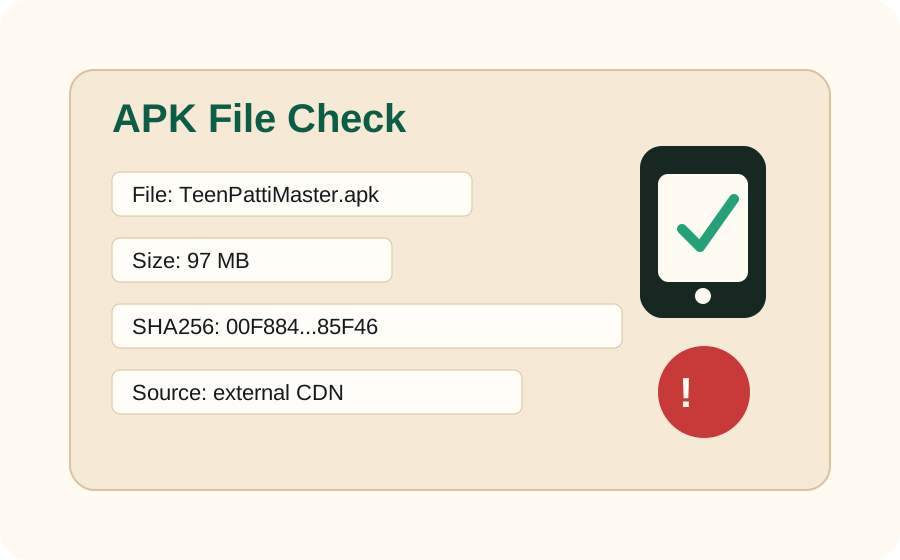
Suppose my old app package was tied to one publisher name, but the new APK comes from a short link and installs as a different package with a similar icon. Even if the page says “latest Rummy update,” I would not treat it as safe. I would check the official site, compare SHA256 if available, and look for a public version note.
Risks and What to Check
The risk is installing a clone, modified APK or unrelated app. It could request extra permissions, handle login differently, or redirect deposits through a different flow. Be extra careful when package changes appear together with SMS permission, unknown-source install prompts, missing support pages or unrealistic bonus claims.
- Check the official source or store listing before trusting a download link.
- Compare package name, app version, update date and permissions before opening the app.
- Read KYC, withdrawal, bonus and state restriction terms before depositing or playing for prizes.
- Keep screenshots of errors, transaction IDs and support replies if the issue involves money or account access.
What I Would Do Next
I would keep the old app installed until I verify the new source, avoid logging in to the new APK immediately, and never enter payment or KYC information into a build whose package identity I cannot confirm.
Related Questions
- How to Verify a Rummy App Version Before Installing
- Why does SHA256 matter for Rummy APK files?
- Rummy APK Source Change Checklist
FAQ
Can official apps change package names?
It can happen, but players should expect an official explanation, consistent publisher identity and clear update notes.
Should I install if only the icon matches?
No. Icons and names are easy to copy. Verify package identity, source and permissions first.